Getting Started
Welcome to iPaymu! Follow these steps to start integrating iPaymu payment gateway into your application.
API ENVIRONMENT
Base URL
https://sandbox.ipaymu.com/api/v2Use credentials from the selected environment. Sandbox and Production credentials are separate.
Welcome to iPaymu! Follow these steps to start integrating iPaymu payment gateway into your application.
Registration
First, you need to create an account on iPaymu.
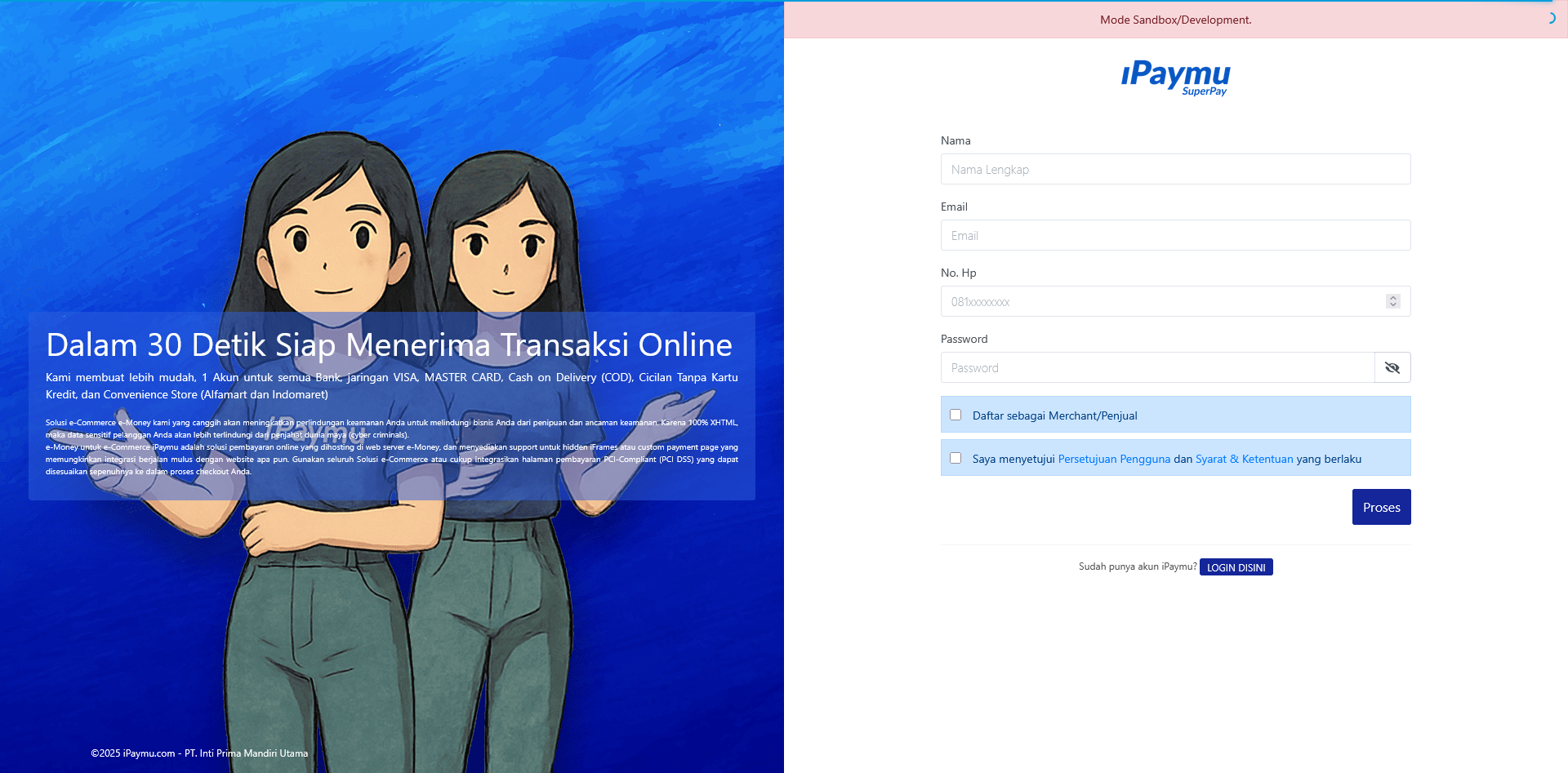
- Visit iPaymu Registration Page.
- Fill in your personal and business details.
- Verify your email address.
Login
Once registered, log in to your iPaymu dashboard.
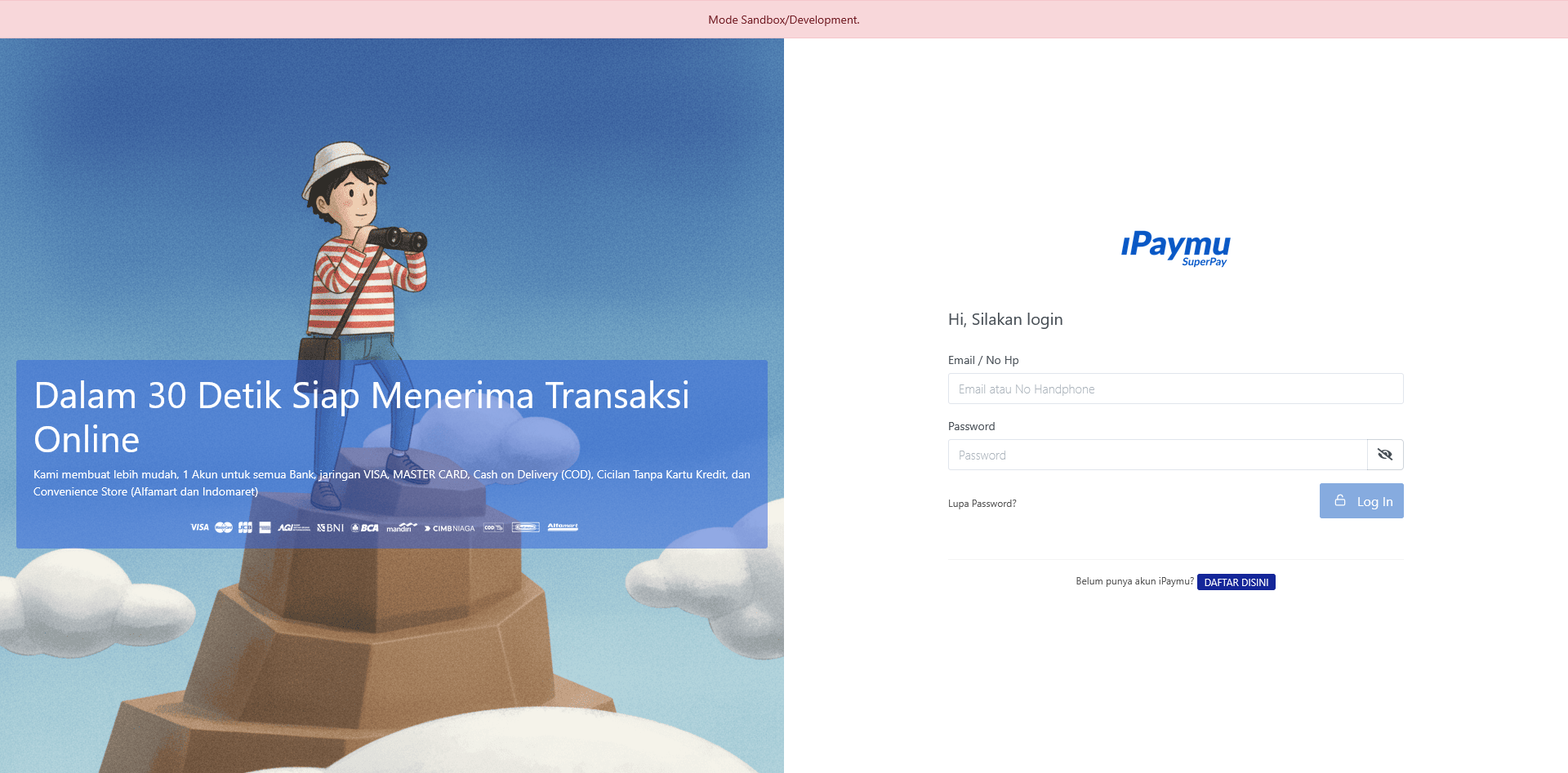
- Go to iPaymu Login Page.
- Enter your email and password.
Integration Settings
To start using the API, you need to retrieve your API Key and Virtual Account (VA) number.
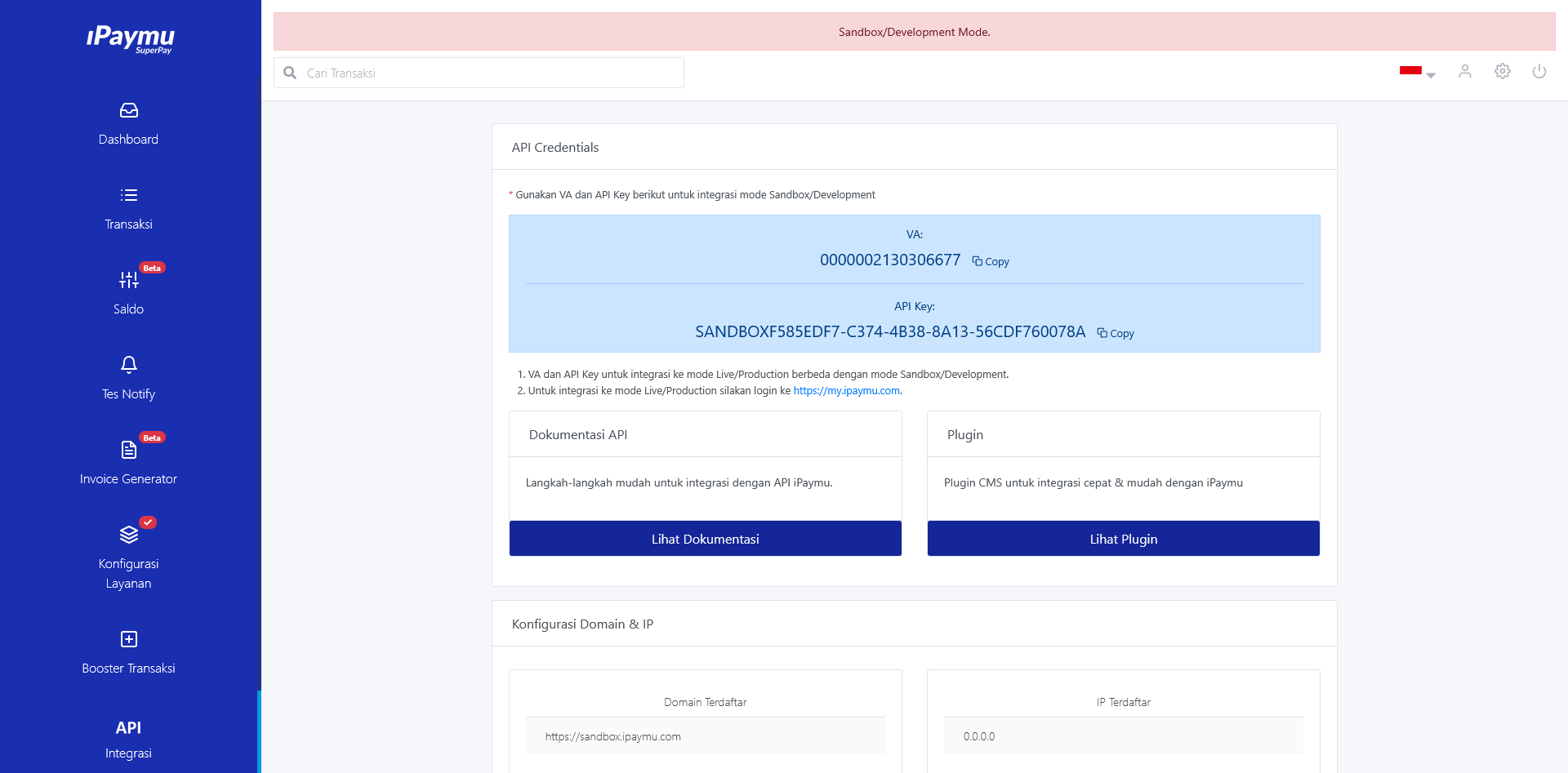
- In the dashboard sidebar, navigate to Integration.
- Here you will find your VA Number and API Key.
- Important: Ensure you are in the correct mode (Sandbox for testing, Production for live transactions). The keys are different for each mode.
Sandbox Mode
Use Sandbox Mode for development and testing. Sandbox accounts are separate from production; you can register your sandbox account at https://sandbox.ipaymu.com/. Sandbox testing does not require the verification stage, and IP/domain validation is not needed in the sandbox environment.
Production Requirements
Before going live, ensure your server uses a Static IP and your domain is registered. Read more in the IP & Domain Validation guide.